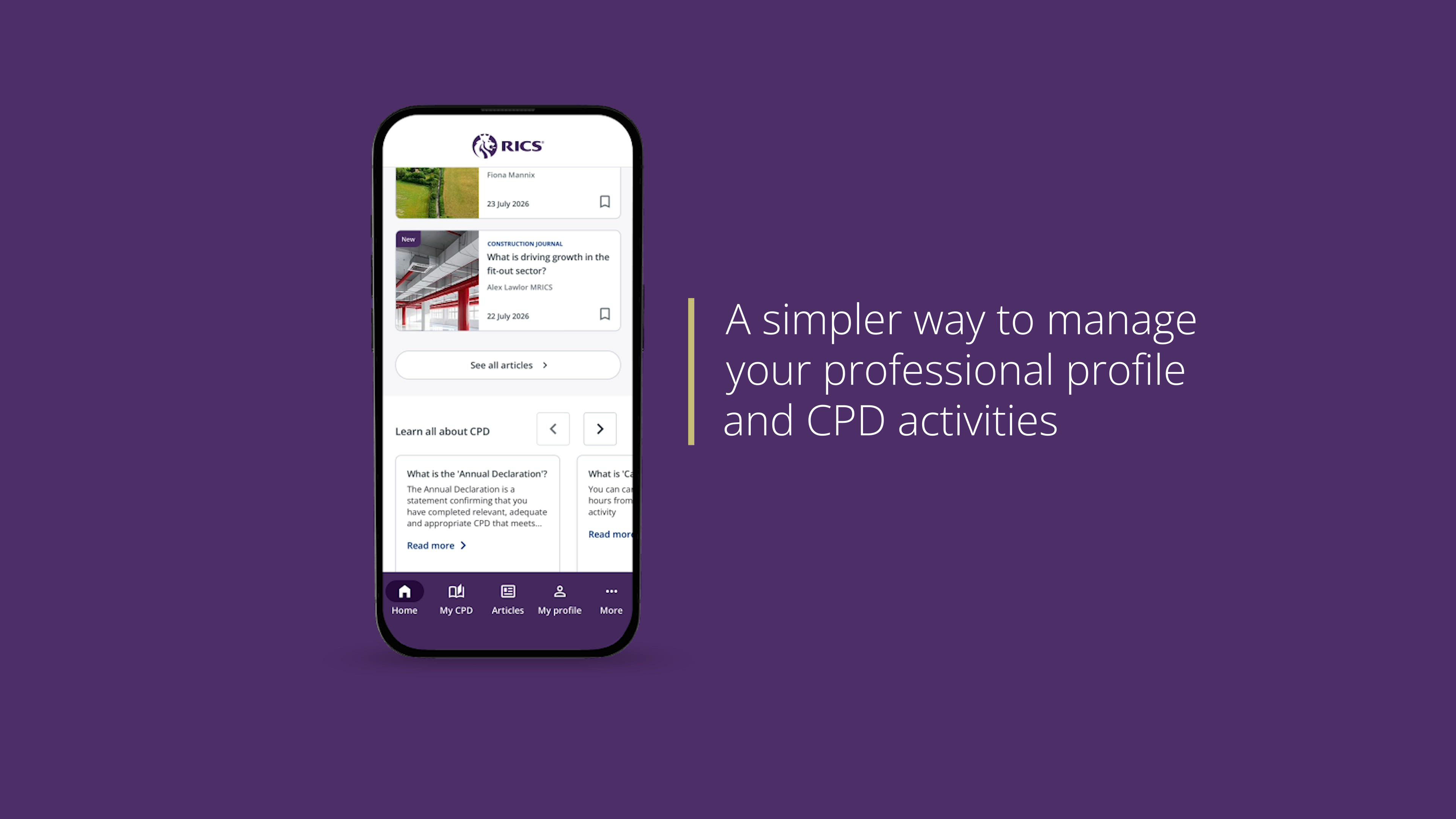

RICS Member App
-
 Email
Email
-
 Facebook
-
 Linkedin
-
 Twitter
-
 Whatsapp
Track CPD, manage your professional profile and access your digital membership card, all in one secure app tailored for FRICS, MRICS and AssocRICS members.


Your membership, reimagined
Easily access the tools you need to manage your professional obligations. From logging and tracking your CPD to managing your profile, viewing your digital ID and receiving smart reminders, everything is available in one convenient app designed to empower your professional journey.
Track your CPD
Log your learning, add reflections, upload supporting documents and track your progress directly from your mobile device, so you can stay organised and compliant wherever you are.
Access your digital ID
Your membership card is always available to view in the app for quick access, making it easy to verify your credentials on the go.
Stay compliant with smart reminders
Receive notifications about upcoming CPD deadlines and other important updates to ensure you stay on track throughout the year.
Manage your professional profile
Keep your details and professional profile up to date, and choose how your information appears in the Online Member Directory with ease.
Weekly curated articles from Modus & RICS Journals
Access weekly curated articles, bookmark articles for offline reading, and discover personalised article recommendations tailored to your interests.

How to use
Download the app on the App Store or Google Play and sign in using your RICS login credentials.
Once logged in, you may choose to turn on smart reminders to stay informed about CPD deadlines, app updates, and activate biometric login for instant, secure access to your account without entering your credentials each time.
- Managing your profile - Tap on ‘My Profile’ to add or edit your details, and use the visibility toggle to control how your information appears in the Online Member Directory.
- Tracking your CPD - Tap on ‘My CPD’ to record, track, and review your learning activities in one place. You can easily add new activities, monitor your annual progress, and ensure you meet your CPD requirements across both structured and unstructured learning before signing off your Annual Declaration. The dashboard gives you a quick overview of your hours completed and topics covered, helping you stay on top of your professional development goals.
- Exploring more - Select ‘More’ from the main menu to access helpful resources such as FAQs and Contact Us. The FAQ section provides quick answers to common questions about the CPD framework, while Contact Us lets you reach the RICS support team directly for further assistance.